Table of Contents
- Which parts of invoice entry can be automated?
- What data can be automatically extracted from an invoice?
- OCR, rules, or Artificial Intelligence: what is needed?
- OCR
- Rules
- Artificial Intelligence
- Example of an automated invoice entry workflow
- Step 1: receipt
- Step 2: identification
- Step 3: extraction
- Step 4: validation
- Step 5: decision
- Step 6: entry
- Step 7: traceability
- The real goal is not to remove people from the process
- How much time can be saved?
- What errors can automation prevent?
- What if the company receives invoices through different channels?
- Can invoices be entered directly into any ERP?
- What if the invoice is incorrect?
- When does it make sense to automate invoice entry?
- When might it not make sense yet?
- How much does it cost to automate invoice entry?
- The biggest savings are not only about typing faster
- Frequently Asked Questions
- Can a PDF invoice be read automatically?
- Is Artificial Intelligence necessary?
- Can duplicate invoices be detected?
- Can automation enter information directly into an ERP?
- What happens if the system is not confident about the data?
- Manual invoice entry should be the exception
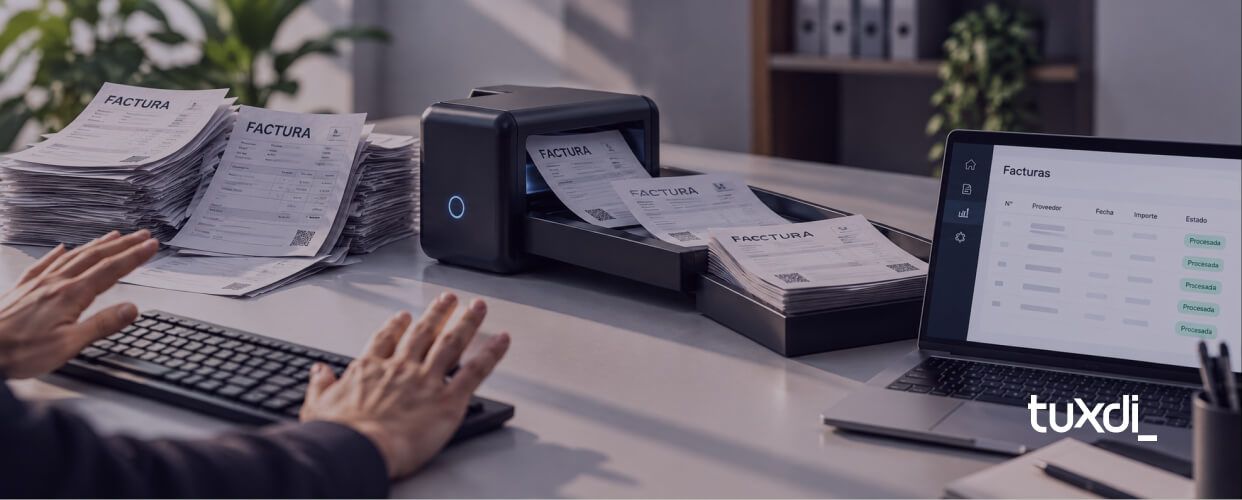
Receive an invoice. Open the file. Find the supplier. Copy the tax ID. Copy the invoice number. Enter the date. Enter the amount. Select the tax condition. Assign the cost center. Save. And repeat. Once. Ten times. Hundreds of times per month. Invoice entry is one of those administrative processes that often remains manual for years simply because “it has always been done this way.” But it is also one of the processes where automation can have a very concrete impact. Today, it is possible to build a workflow where an invoice arrives by email, the system identifies it, extracts the required data, performs validations, and prepares or directly completes the entry in the administrative system. Without a person having to copy every field manually.
Which parts of invoice entry can be automated?
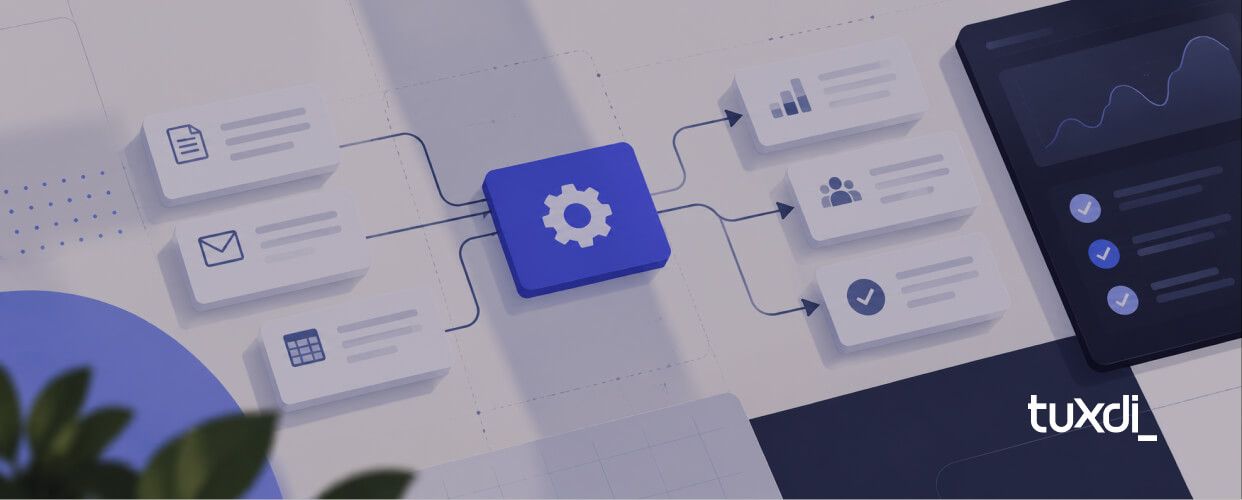
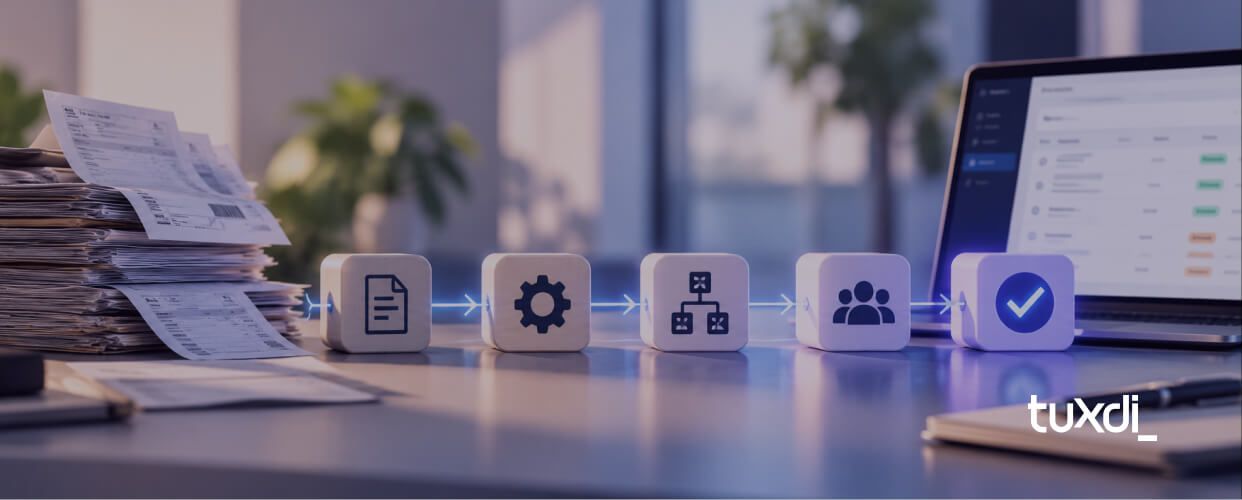
Practically the entire workflow can be automated. A typical flow could work like this:
- an invoice arrives by email;
- the system detects the attachment;
- it identifies that the document is an invoice;
- it extracts the relevant data;
- it validates the information;
- it looks up the supplier in the system;
- it detects possible errors or duplicates;
- it enters the data into the ERP or administrative system;
- it sends exceptions to a person;
- it logs what happened.
The key is that not every invoice necessarily has to follow exactly the same path. Simple transactions can be processed automatically. Only uncertain cases need human review.
What data can be automatically extracted from an invoice?
Depending on the format and source system, it is usually possible to identify information such as:
- company name;
- tax ID;
- invoice number;
- point of sale;
- issue date;
- due date;
- subtotal;
- VAT;
- taxes and withholdings;
- total amount;
- currency;
- payment terms;
- purchase order number;
- product or service details.
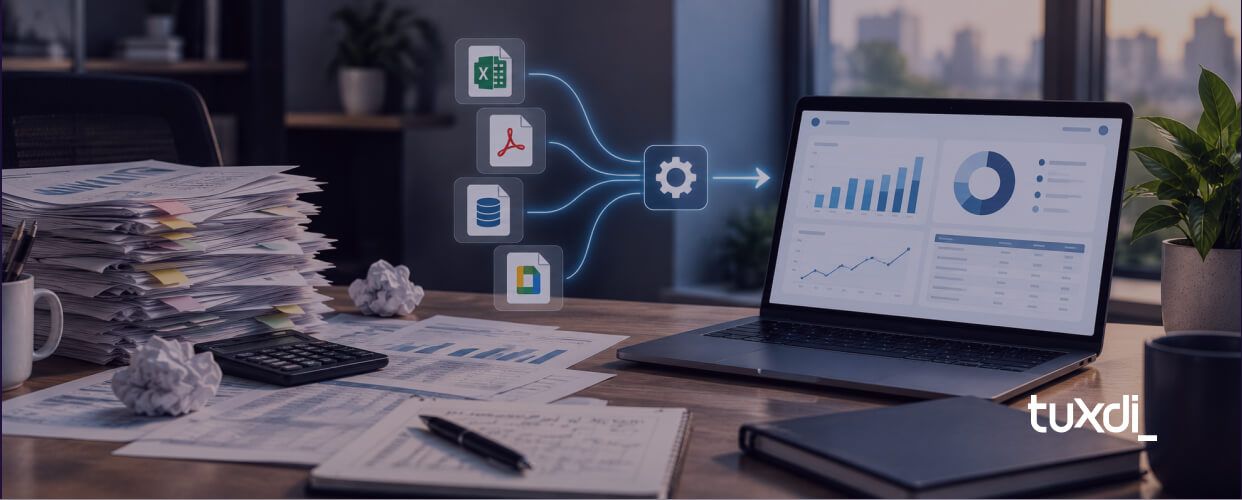
The difficulty is usually not reading a single document. It is making the system work with invoices coming from many different suppliers. Each supplier may use a different layout. And that is where the technology we should use can change.
OCR, rules, or Artificial Intelligence: what is needed?
Not every invoice automation requires AI. There are different alternatives depending on the problem.
OCR
OCR converts the visual content of a document into text. It may be enough when:
- documents have fairly stable formats;
- fields always appear in similar locations;
- information is clearly structured.
For example, we can detect the text: Total: $184,500 and convert it into data that another system can use.
Rules
Once the information has been extracted, we can use rules to decide what should happen. For example: If the supplier exists → continue. If the invoice has already been entered → stop the process. If the amount exceeds a certain value → request approval. If the purchase order number is missing → send it for review. At this stage, we often do not need Artificial Intelligence. We need well-defined rules.
Artificial Intelligence
AI becomes especially useful when we receive documents with very different formats. Instead of relying only on the position of each field, we can ask the system to interpret the document and determine:
- who the supplier is;
- which tax ID applies;
- which invoice number corresponds;
- what the total amount is;
- which items appear;
- which taxes are included.
This makes it possible to build more flexible solutions when each supplier sends different invoices. In practice, a good automation can combine: OCR + AI + rules + integrations. There is no need to choose only one technology. Each one should be used where it actually adds value.
Example of an automated invoice entry workflow
Imagine an SME that receives 700 invoices per month. Today, a person opens each invoice and manually enters the data into the ERP. The automation could work like this:
Step 1: receipt
The supplier sends the invoice to:
The system automatically monitors that inbox.
Step 2: identification
It detects an attached PDF and verifies that it is actually an invoice.
Step 3: extraction
It obtains:
- supplier;
- tax ID;
- number;
- date;
- subtotal;
- taxes;
- total.
Step 4: validation
It queries the ERP. It verifies:
- that the supplier exists;
- that the invoice is not duplicated;
- that the amounts are consistent;
- that a purchase order exists when required.
Step 5: decision
If everything is correct: the invoice continues automatically. If a problem appears: it is sent to a person.
Step 6: entry
The information is recorded in the administrative system.
Step 7: traceability
A record is stored indicating:
- when it arrived;
- which data was extracted;
- which validations were performed;
- whether there were errors;
- who intervened.
This way, the administrative team no longer needs to manually review every invoice. They focus only on exceptions.
The real goal is not to remove people from the process
Automating invoice entry does not necessarily mean removing human review. In many cases, the best design is: the system automatically processes normal cases and people resolve exceptional ones. For example: Out of 700 monthly invoices, perhaps 600 can be processed without intervention. The other 100 may have:
- missing data;
- new suppliers;
- amount differences;
- incorrect purchase orders;
- unreadable documents;
- special situations.
Instead of reviewing 700 documents, the team only needs to focus on those 100 cases. That is where much of the savings comes from.
How much time can be saved?
Suppose manually entering an invoice takes an average of four minutes. If a company receives 700 invoices per month: 700 × 4 minutes = 2,800 minutes That is approximately: 47 hours of work per month. And that only includes data entry. It does not include:
- searches;
- corrections;
- duplicate invoices;
- information requests;
- errors;
- later controls.
An automation that processes a large share of those invoices can return dozens of hours every month.
What errors can automation prevent?
Manual entry has fairly predictable errors. For example:
- copying a tax ID incorrectly;
- entering the wrong amount;
- confusing a date;
- entering an invoice twice;
- selecting the wrong supplier;
- omitting a tax;
- entering the invoice number incorrectly.
Automation can apply validations before recording the information. For example: Does the tax ID match the supplier? Does the subtotal plus taxes match the total? Does this invoice number already exist? Is the currency correct? Does the supplier have an associated purchase order? These rules make it possible to detect inconsistencies before they reach the system.
What if the company receives invoices through different channels?
This is quite common. Some arrive by email. Others through WhatsApp. Others are downloaded from supplier portals. Others end up in shared folders. That does not prevent the process from being automated. But it does increase complexity. A recommended strategy is to first try to centralize receipt. For example: a dedicated invoice inbox. Then the automation can process everything that enters through that channel. If centralization is not possible, workflows can also be built to receive documents from different sources.
Can invoices be entered directly into any ERP?
It depends on the system. This is one of the factors that most affects the viability of the automation. Some ERPs and administrative systems offer:
- APIs;
- webhooks;
- imports;
- integrations;
- database access.
That makes the process much easier. Other systems are more closed or older. In those cases, specific alternatives may need to be analyzed to enter the information. That is why, before estimating an automation, it is always worth validating: how can we communicate with the system where the invoice ultimately needs to be entered? Reading an invoice is usually only part of the problem. The other half is making sure the information reaches the destination system correctly.
What if the invoice is incorrect?
It should not be entered automatically. A good automation needs to identify situations where there is uncertainty. For example:
- the document cannot be read;
- information is missing;
- the amounts do not match;
- the supplier does not exist;
- there may be a duplicate invoice;
- an approval is missing;
- the system is not confident about some of the data.
In that case, the process can stop and send the invoice to a review queue. A person corrects or confirms the information. Then the automation continues. This is often known as human in the loop. The idea is simple: automate everything that is reliable and ask for human intervention when it is actually needed.
When does it make sense to automate invoice entry?
There is no magic number. But it often makes a lot of sense when:
- many invoices arrive every month;
- several people spend time entering them;
- there is a lot of repetitive information;
- data-entry errors appear;
- the team has to copy information between systems;
- there are controls that could be performed automatically;
- volume continues to grow.
The greater the number of documents, the easier it usually is to justify the investment.
When might it not make sense yet?
If a company receives five invoices per month and entering them takes only a few minutes, developing a complete automation is probably not a priority. It can also be difficult when the administrative process is not yet defined. For example, if nobody knows exactly:
- which information must be validated;
- who approves each case;
- which rules exist;
- what happens when there is a discrepancy.
Before automating, the process first needs to be understood.
How much does it cost to automate invoice entry?
It mainly depends on:
- number of invoices;
- number of suppliers;
- document formats;
- receipt channels;
- ERP or administrative system;
- required validations;
- use of AI;
- exceptions;
- required level of traceability.
An MVP can start by solving something relatively small. For example: receive invoices by email → extract data → store it in a structured format → send exceptions for review. Then it can add:
- ERP connection;
- purchase orders;
- approvals;
- reconciliations;
- reports;
- suppliers;
- new channels.
There is no need to automate everything from day one.
The biggest savings are not only about typing faster
Invoice automation is often seen simply as a way to prevent someone from copying data. But the impact can be much broader. It can also:
- process documents faster;
- reduce errors;
- detect duplicates;
- improve traceability;
- standardize controls;
- prevent forgotten tasks;
- handle greater volume without increasing the team proportionally.
The goal is not simply to have a computer type the data. It is to make the entire administrative process require less manual intervention.
Frequently Asked Questions
Can a PDF invoice be read automatically?
Yes. OCR technologies and Artificial Intelligence models can extract information from PDF documents and images.
Is Artificial Intelligence necessary?
Not always. If documents have a stable format, OCR and traditional rules may be enough. AI adds more value when there are multiple formats or less structured information.
Can duplicate invoices be detected?
Yes. For example, combinations such as supplier, tax ID, point of sale, and invoice number can be validated before entry.
Can automation enter information directly into an ERP?
Yes, as long as there is a technical way to integrate with the system. How easy it is depends on the ERP’s capabilities.
What happens if the system is not confident about the data?
The case can be sent for human review before the process continues.
Manual invoice entry should be the exception
There are administrative tasks where human intervention remains essential. Copying a tax ID from a PDF into another system is probably not one of them. When a company receives hundreds of documents every month, automating reading, validation, and entry can free up a considerable amount of time. And there is no need to start by automating the entire workflow. A first version can solve only the most repetitive part. Then it is measured. Validated. And expanded from there. At Tuxdi, we develop automations and integrations to reduce manual processes inside companies. If your team still receives invoices, opens PDFs, and enters data one by one, tell us how the process works today. We can analyze which parts could be automated and what a reasonable first version would look like.